Trojan Protocol on Windows – Clash
This guide will help you set up the Trojan protocol on Windows using the Clash app.
Setup Steps
1. Access the Trojan Protocol Tab
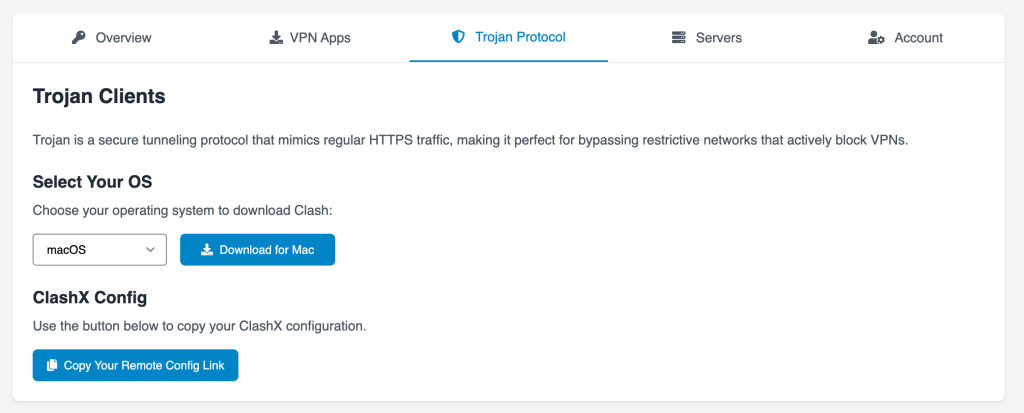
Log in to your client area and navigate to the Trojan Protocol tab.
2. Download and Install the Clash App
Select Windows and download the Clash App from the provided link. Once downloaded, install the app.
3. Copy Your Remote Config Link
Go back to your client area and click on "Copy Your Remote Config Link".
4. Set Up Remote Config in Clash
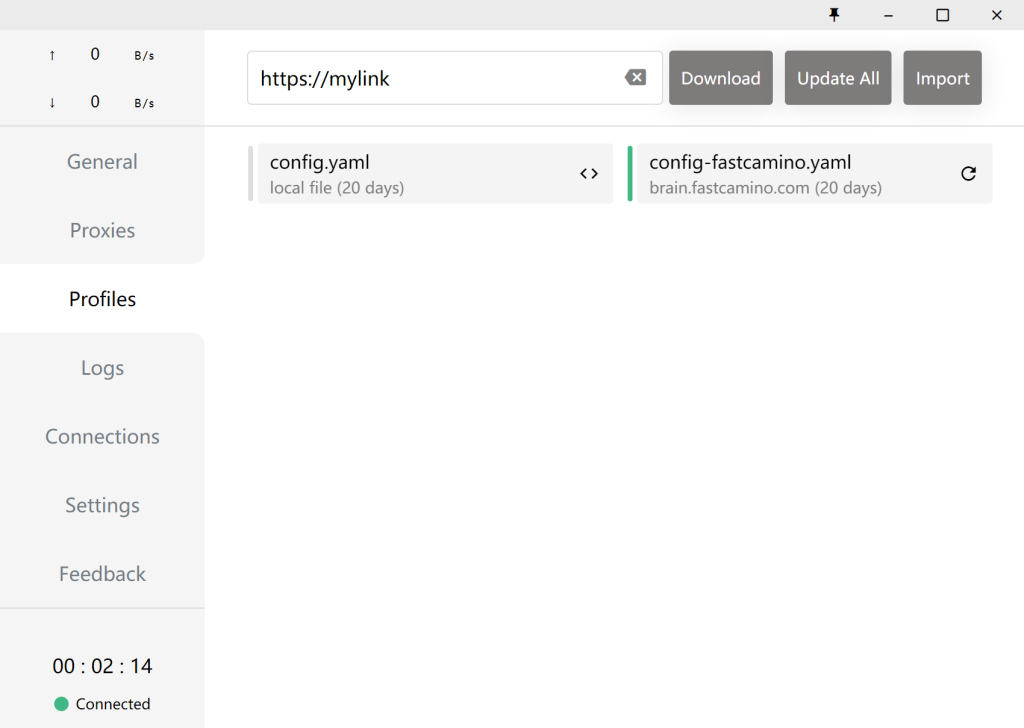
Open the Clash App and go to Profiles. Paste your Config Link.
5. Select Location
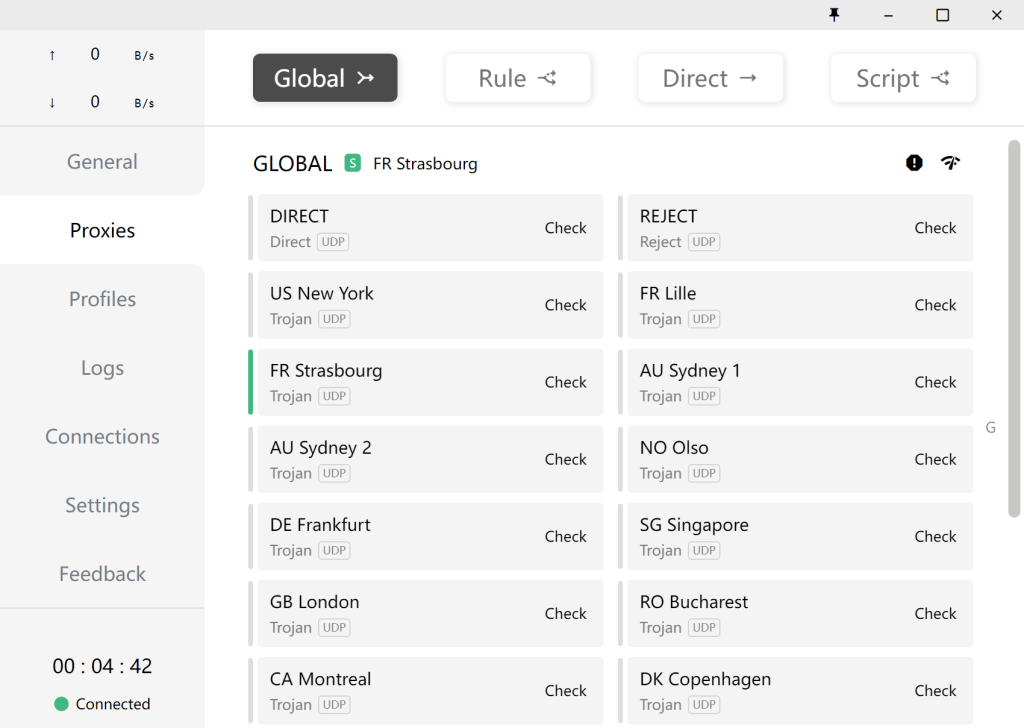
Go to Proxies and select a location.
6. Enable System Proxy
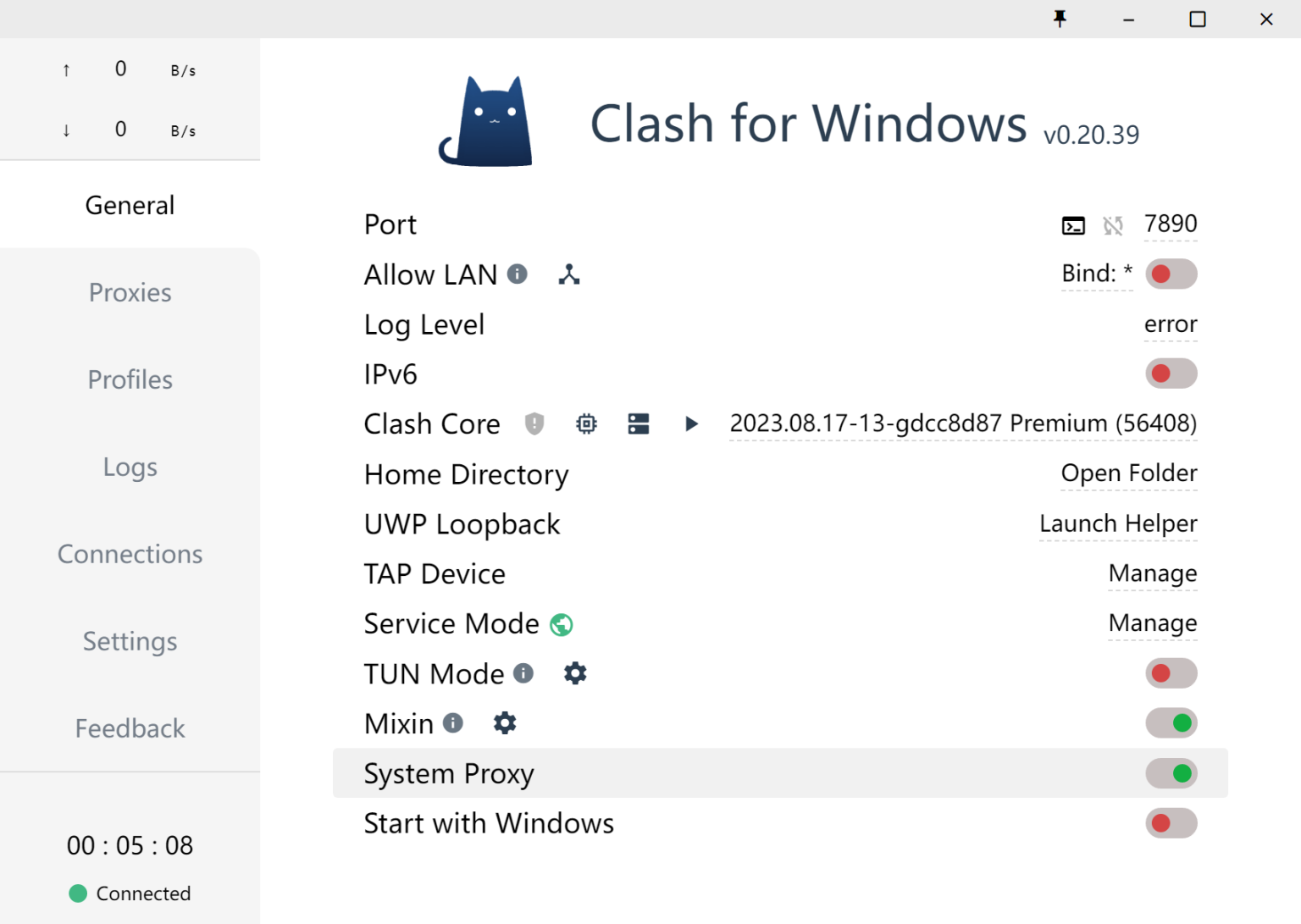
Go to General and click Set System Proxy.