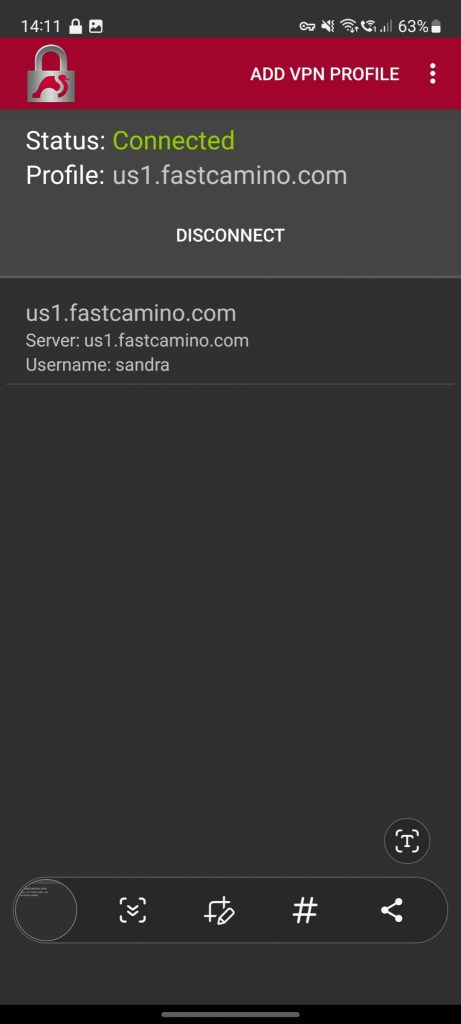
IKEv2 on Android using Strongswan
This guide will help you set up IKEv2 VPN on Android using the strongSwan app.
Setup Steps
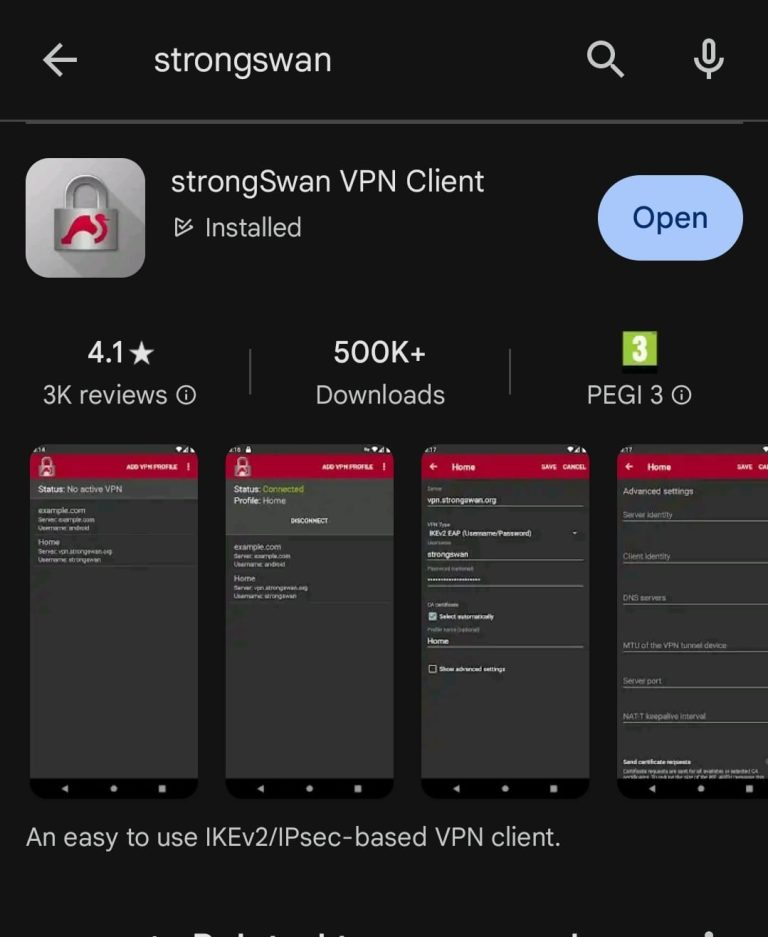
1. Install strongSwan
Open the Google Play Store, search for strongSwan, and install the app.
2. Add VPN Profile
Open the strongSwan app and tap on Add VPN Profile.
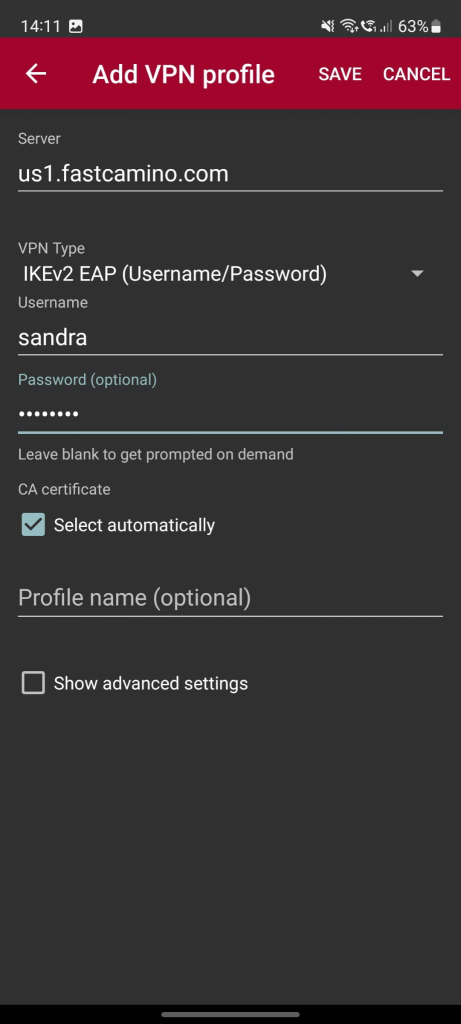
3. Configure VPN Profile
Enter the following details:
- Server: us1.fastcamino.com (or any other server of your choice)
- VPN Type: IKEv2 EAP (Username/Password)
- Username: (your VPN username)
- Password: (your VPN password)
- CA Certificate: Select Automatically
4. Save and Connect
After entering the configuration details, tap Save, and then select the VPN profile to connect.